Your books. Finally in order.

Catalogue the books you own, track the ones you’re reading and remember every loan on iPhone and iPhone Duo, with Inky, your reading companion, when you want it. Offline first, with no account needed to begin.

Launch news signups open soon

BookWorm is in development for iPhone.

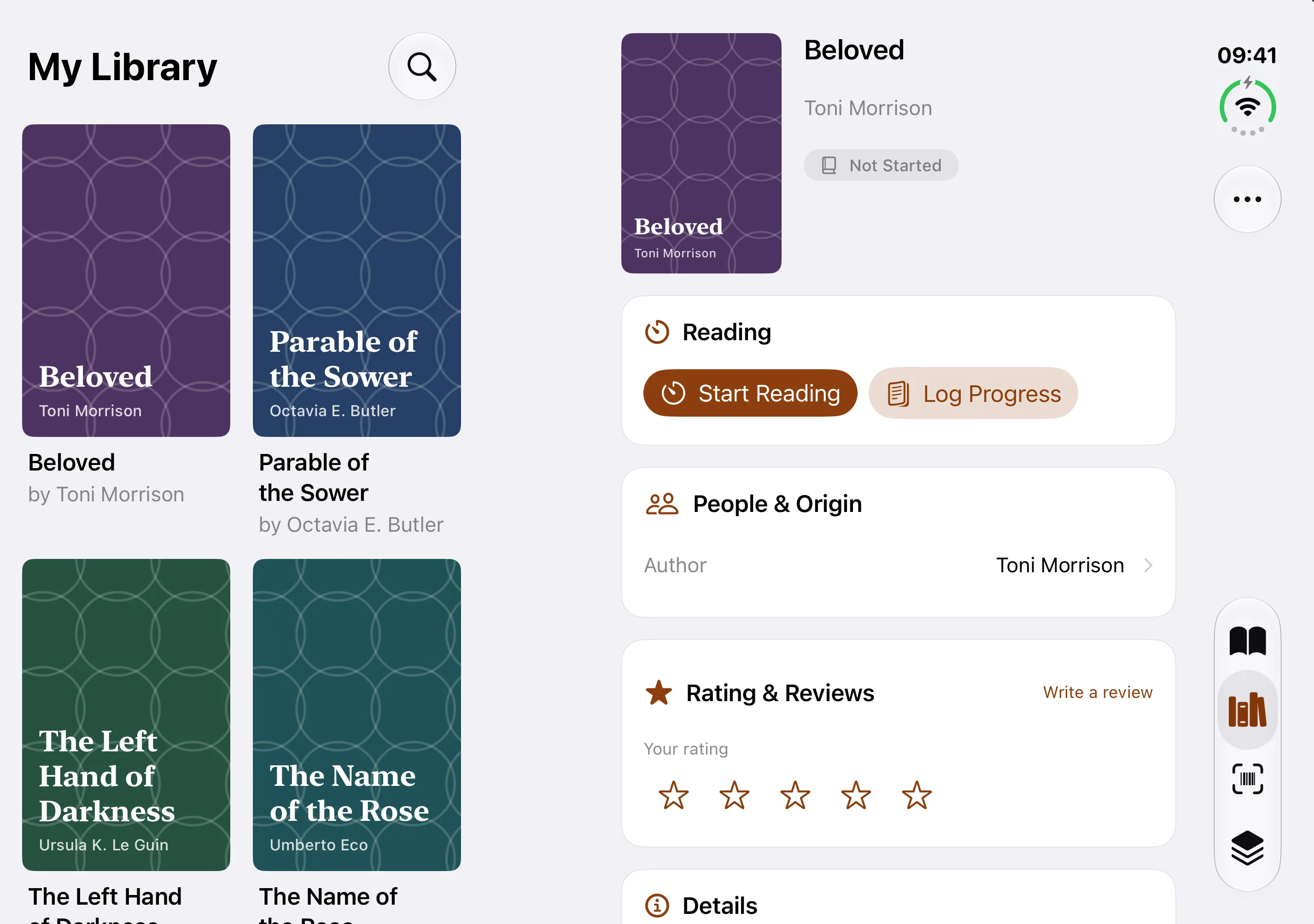
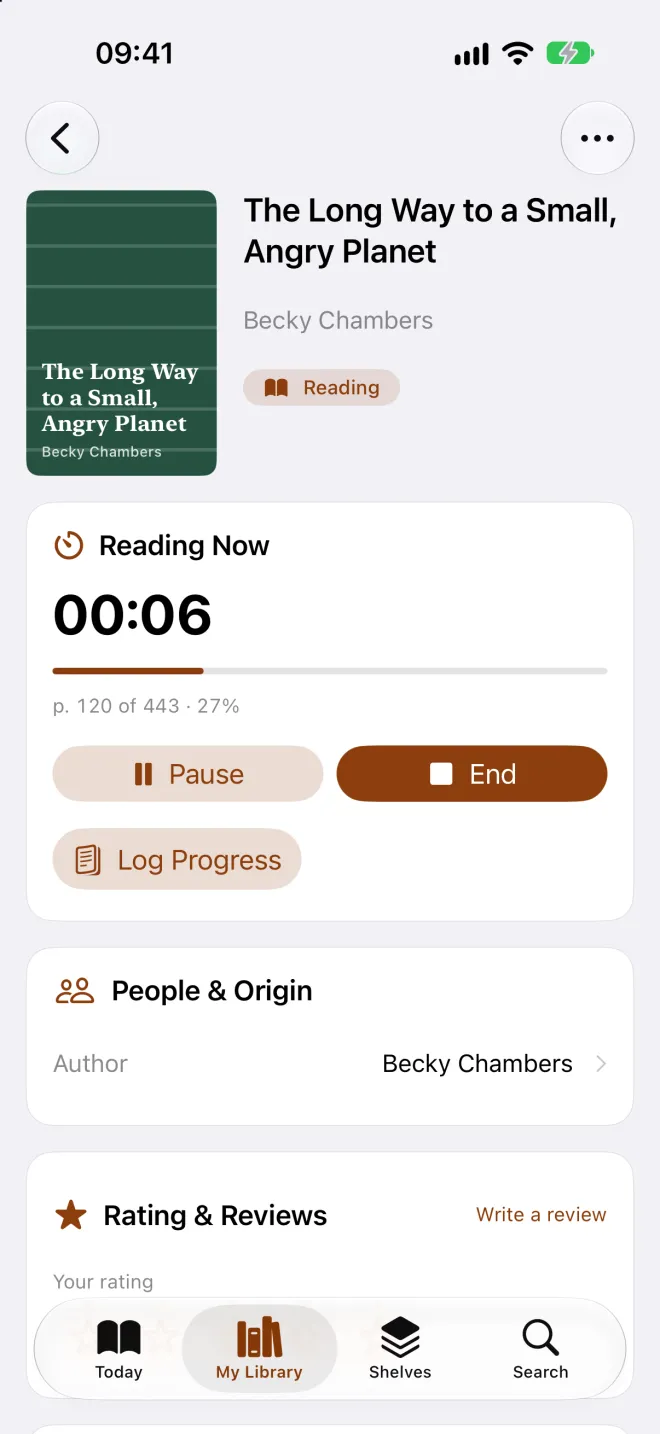
BookWorm book details with a reading session running
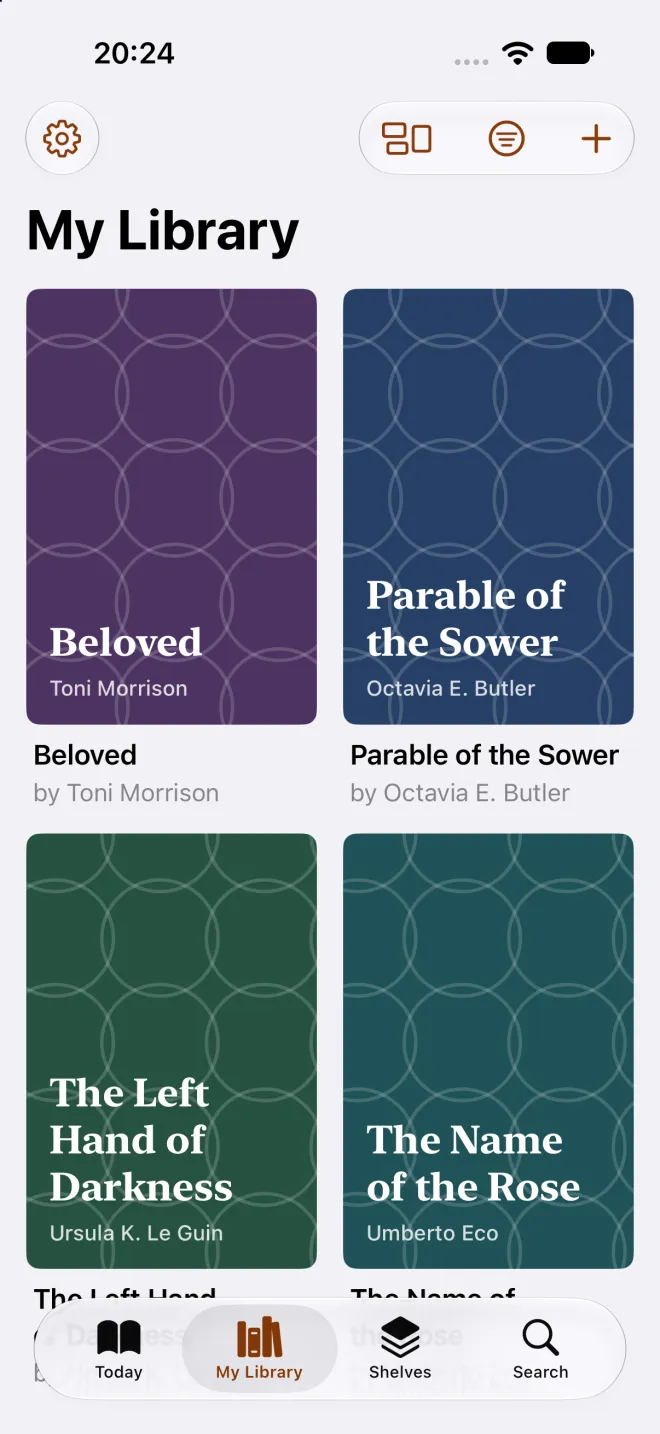
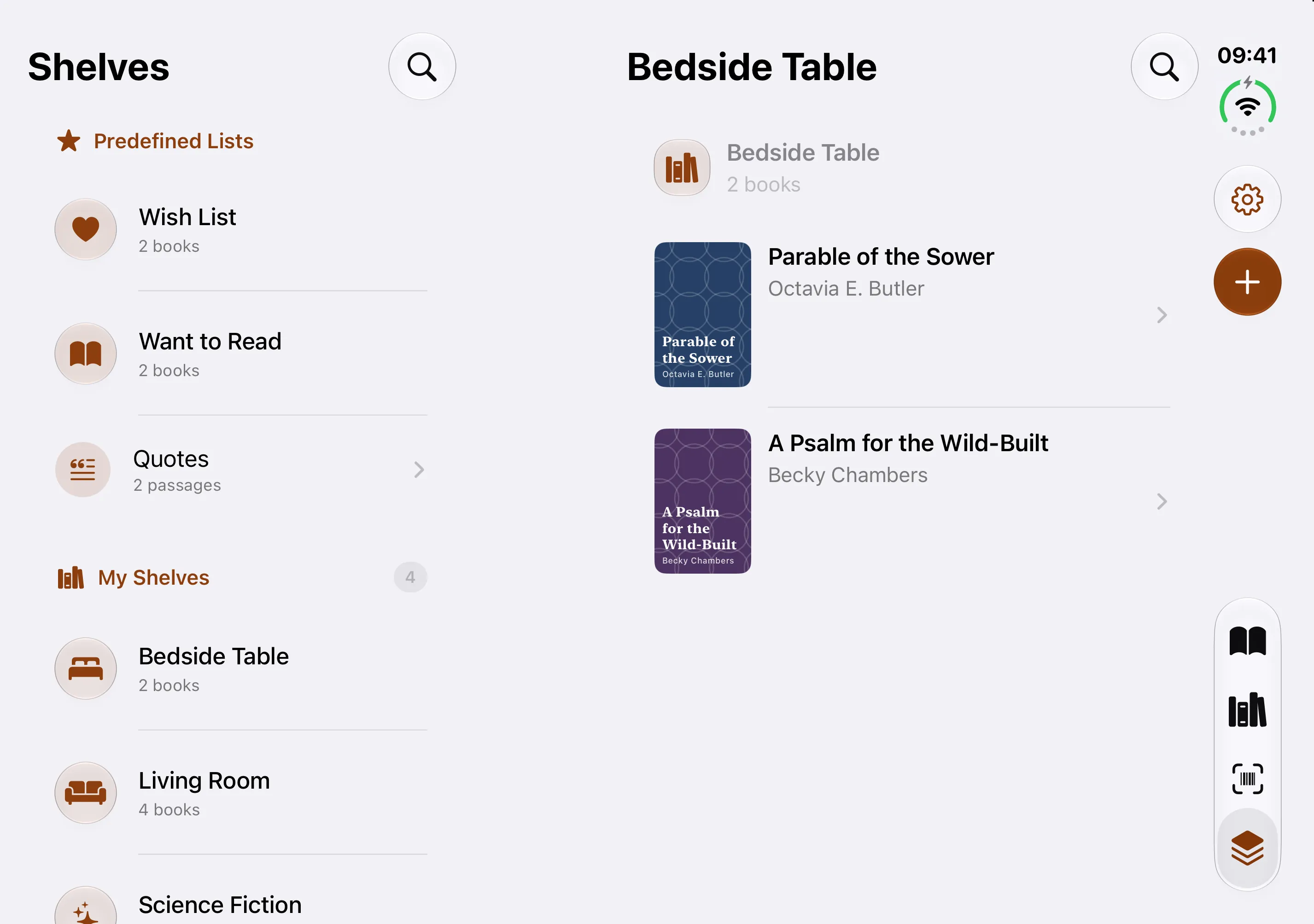
BookWorm My Library screen showing a grid of book covers
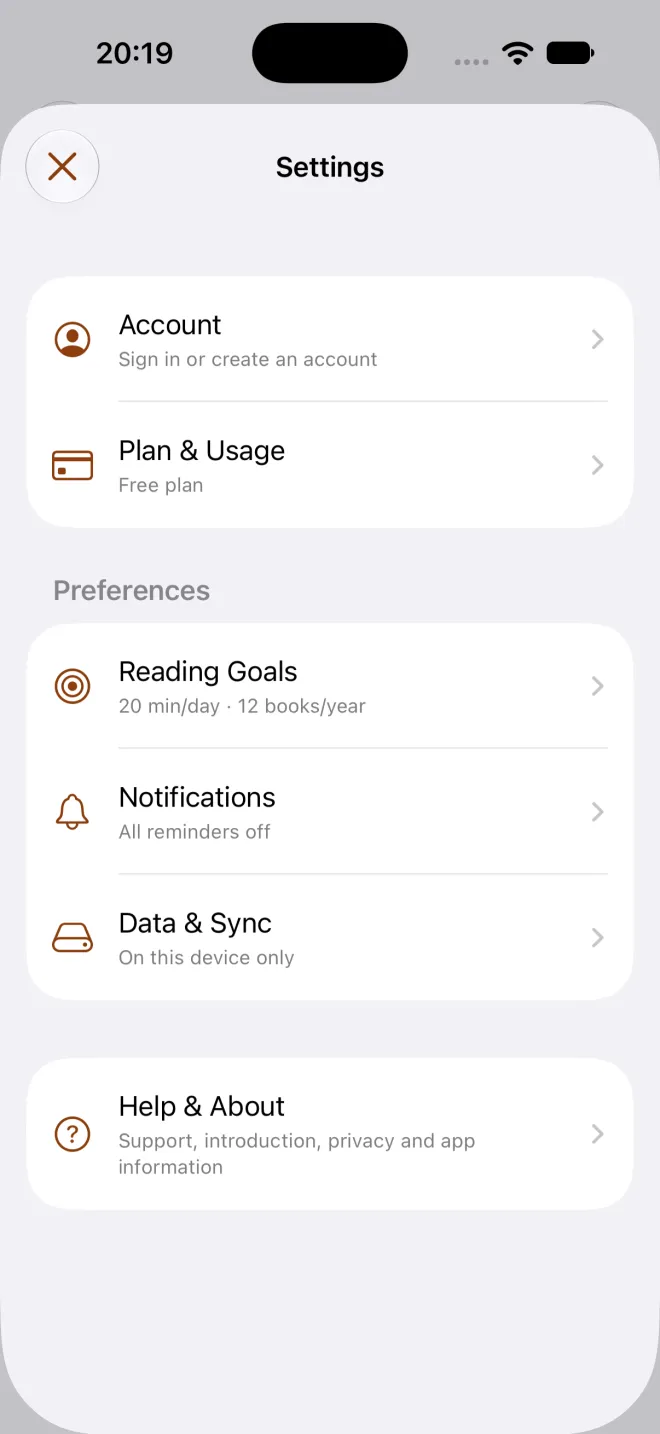
BookWorm Settings showing the current plan
Real iPhone simulator captures from the current app.

Made for iPhone Duo

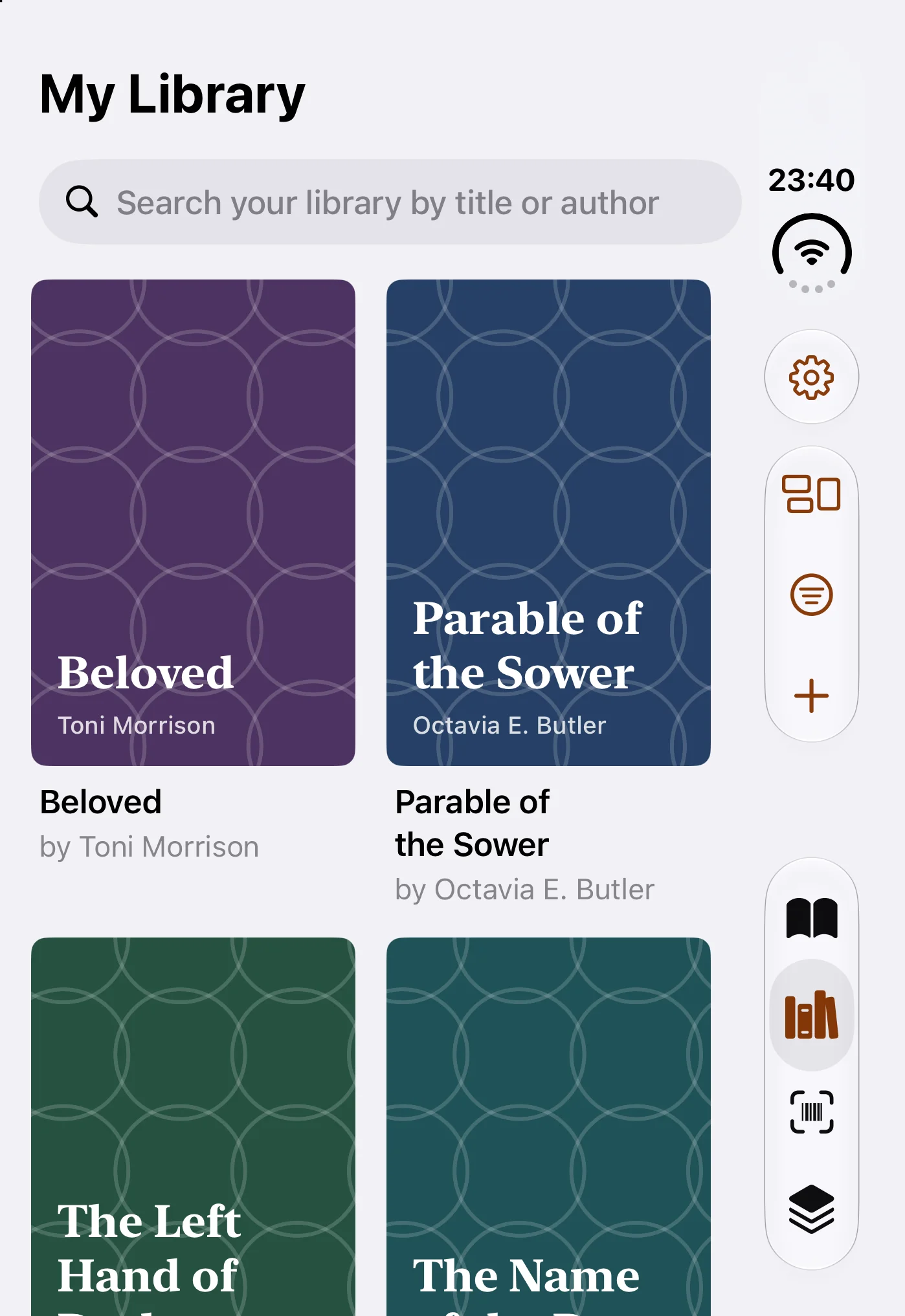
Keep your library in view while you explore a book. On iPhone Duo, adaptive dual-pane layouts put your collection and book details side by side. Requires iOS 27.1.

From shelf to searchable in three small steps.

Add one book or bring an existing list. Your catalogue and reading record stay useful with no signal, and online features say when they need a connection.

  1. 01

    Add one book

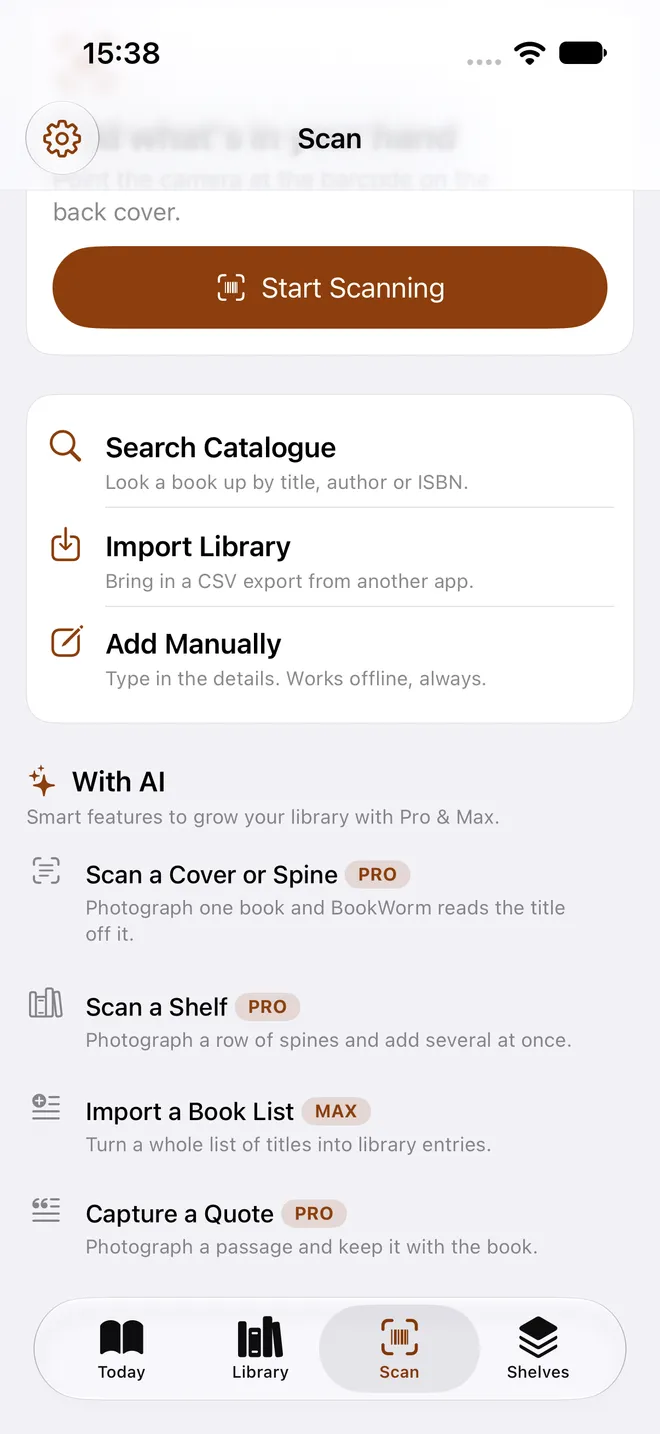
    Scan its barcode or enter it manually. An online lookup can fill in the cover and edition details, then the book stays in your catalogue on your iPhone.

    BookWorm add hub with search, import, manual entry and AI rows labelled Pro or Max
  2. 02

    Make it yours

    File it on shelves, add tags, record a loan and keep a wishlist beside the books you own.

  3. 03

    Keep reading

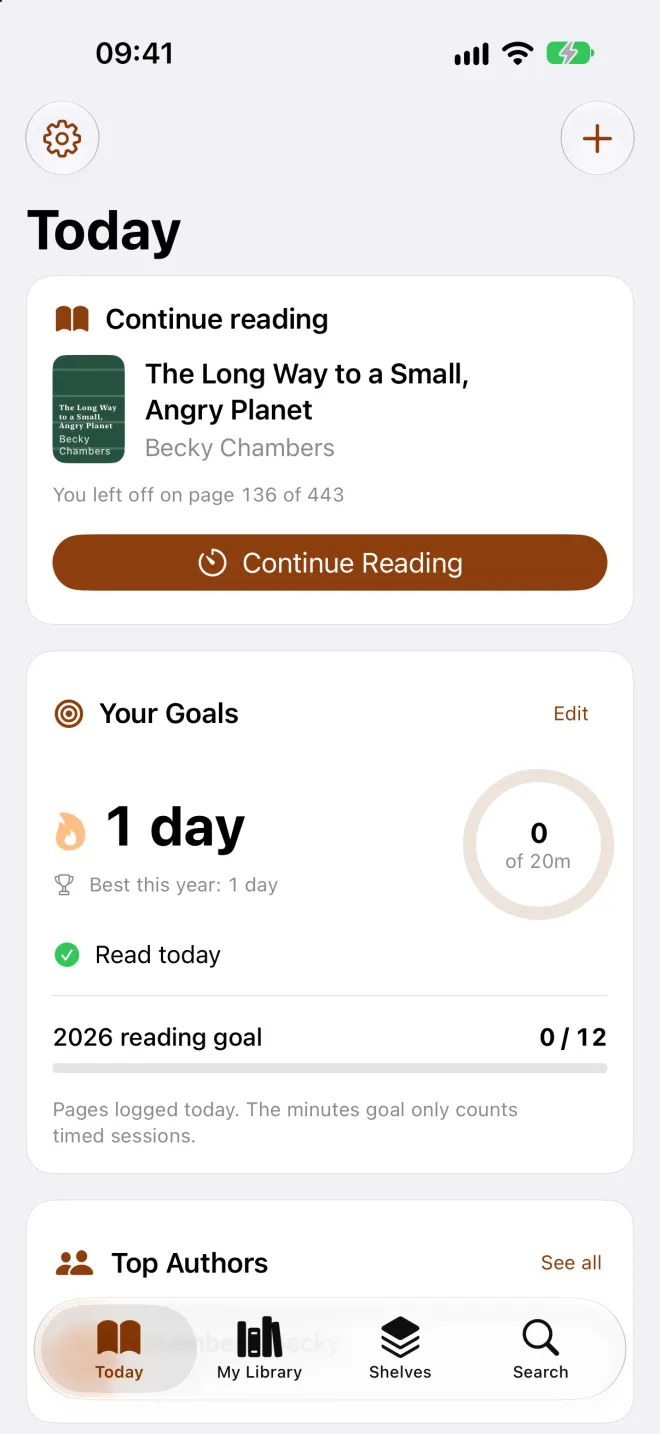
    Log pages or time, follow goals and streaks, and return to your reading without handing your library to a social feed.

    BookWorm Today screen with an active reading streak

Bring the history you already have.

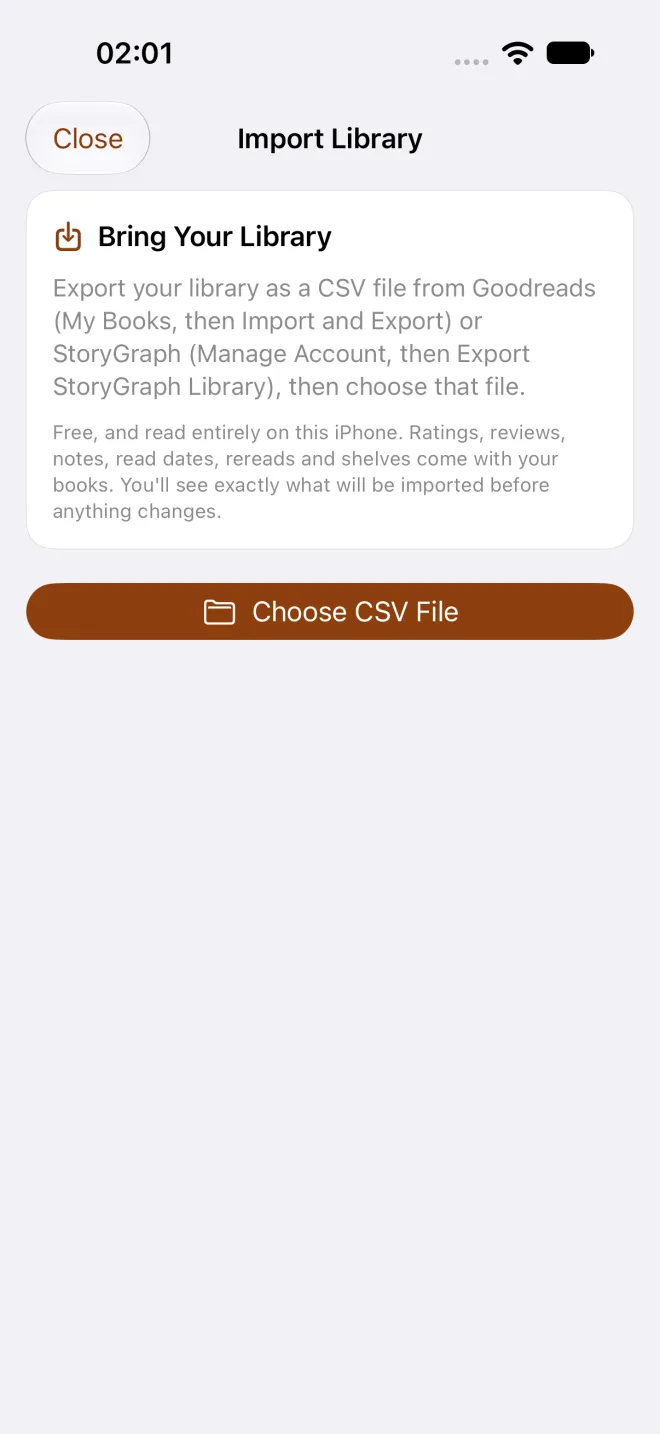
Export your library as a CSV file, then choose that file in BookWorm. The app works out whether it came from Goodreads or StoryGraph, and asks you when it can’t tell.

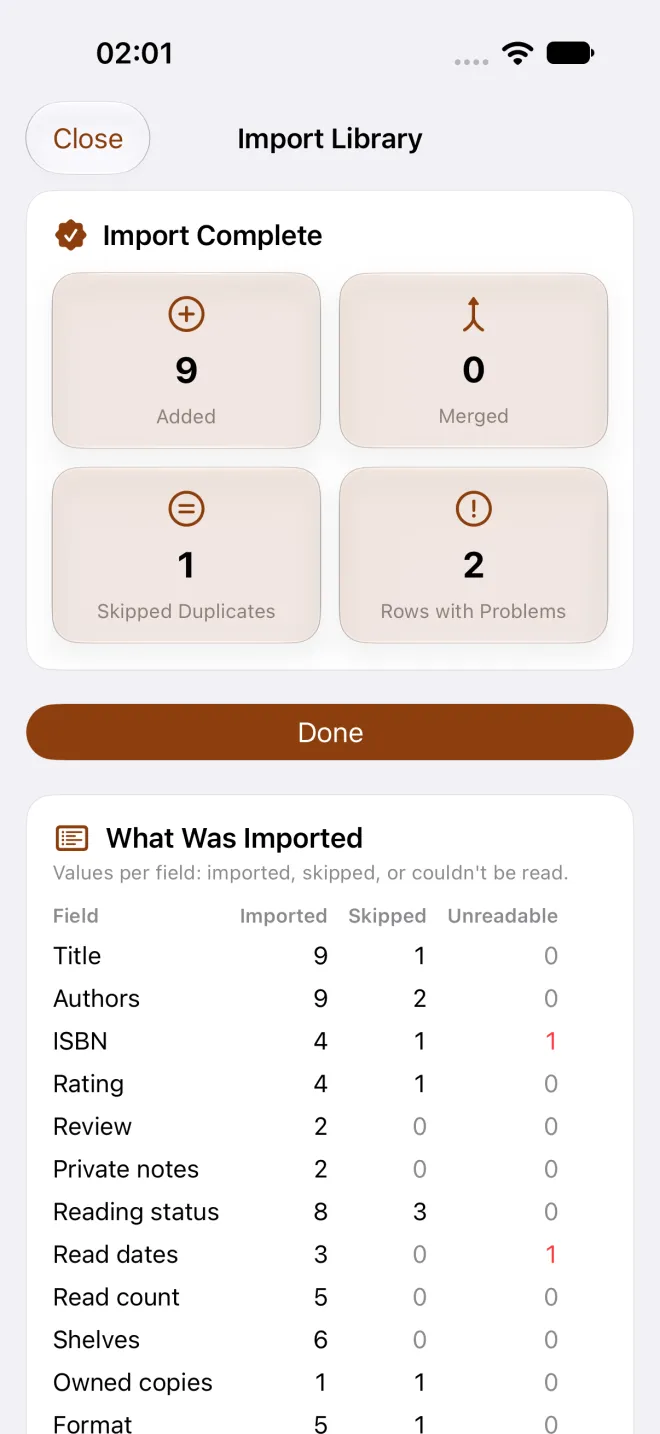
Free, and it stays on your iPhone. Import needs no account and no connection. BookWorm shows what came across, what it skipped and what it couldn’t read. Books already in your library are skipped.

Migration card · On device

BookWorm import screen asking for a CSV file
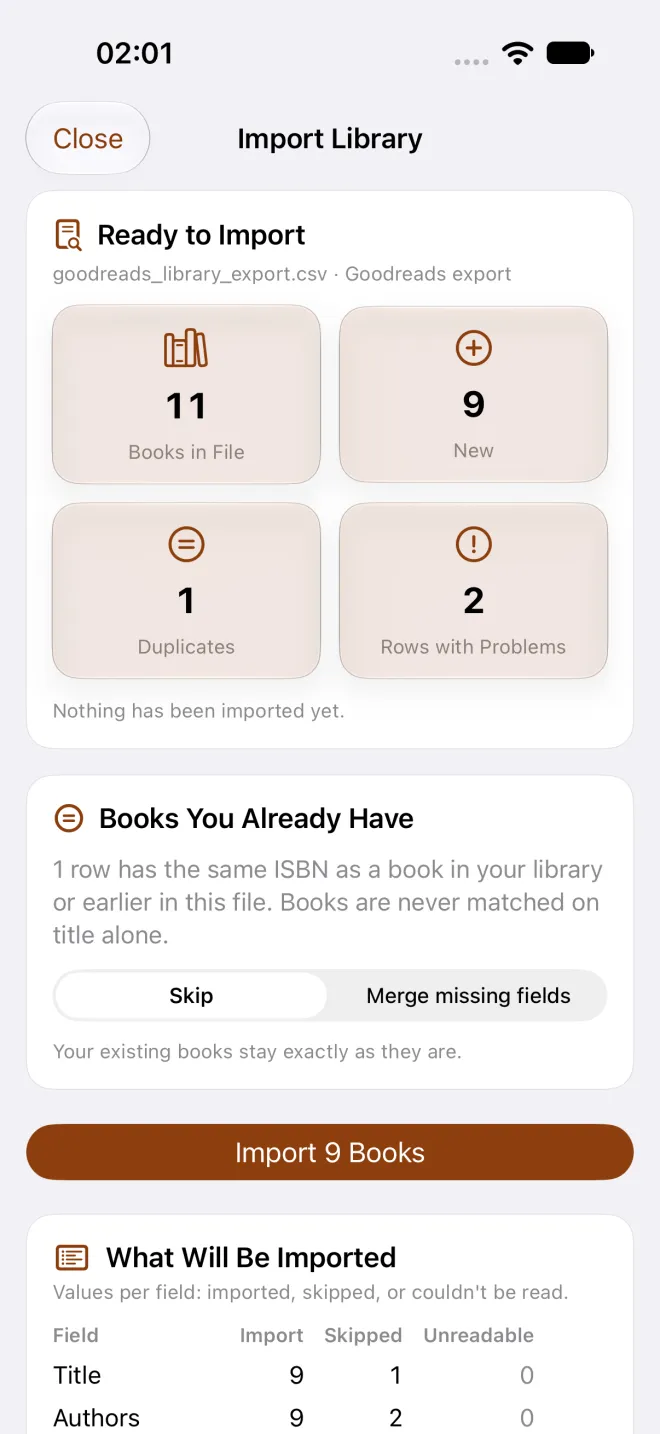
BookWorm import preview listing the books found
BookWorm import report showing imported, skipped and failed rows
  1. 01
    Export

    Download your Goodreads or StoryGraph library as a CSV file.

  2. 02
    Choose

    Pick the file in BookWorm and check the format it detected.

  3. 03
    Import

    See a report of imported, skipped and failed rows, then find the new books in your library.

Start local. Add sync and AI when you need them.

Your catalogue, shelves, loans, reading record and import stay free. Prices shown are the app’s current GBP configuration.

FreeNo. 000

£0

For cataloguing and reading on one iPhone.

  • Unlimited books stored on your iPhone
  • Barcode and manual add
  • Shelves, tags, loans and wishlist
  • Progress, sessions, streaks and goals
  • Goodreads and StoryGraph import, on your iPhone
  • 10 insights, 5 Smart Scans (including shelf photos), 2 short recaps, 5 quote cleans and 1 Year in Books each month after sign-in

No account required for the local catalogue

Pro · RecommendedNo. 001

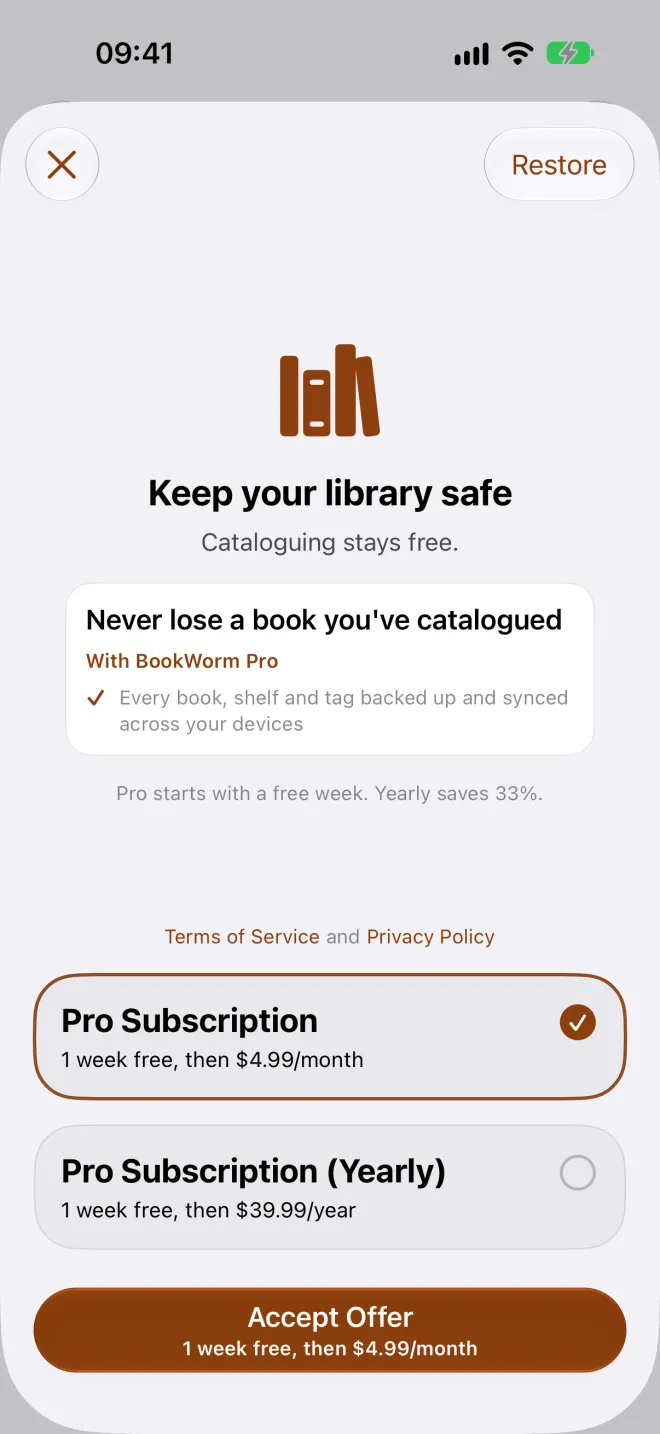
£4.99 / month

or £39.99 / year · 7-day free trial

For syncing one library across your iPhones, with more room for AI.

  • Everything in Free
  • Library sync across signed-in iPhones
  • Inky's insights, picks and smart scans - 60 insights, 60 Smart Scans (including shelf photos), 12 short recaps, 60 quote cleans and 2 Year in Books each month

Account required for sync

BookWorm paywall showing Pro and Max plans

Subscriptions are billed through the App Store, which shows local currency at checkout. The 7-day Pro trial converts to a paid subscription unless cancelled at least 24 hours before it ends. Cancel any time in Apple account settings; the library on your iPhone stays where it is.

Meet Inky, your reading companion.

Ask Inky to notice where you stopped, pick what to read next or look closely at a shelf photo. Inky never reads for you, and only uses your reading data for AI when you ask for help.

Inky holding a glowing lantern

Your books stay on your iPhone.

  1. 01

    The catalogue lives in an on-device database. If you never sign in, your book data never reaches us.

  2. 02

    An account is optional. You only need one to sync your library across iPhones, or to use AI features.

  3. 03

    Usage statistics are off until you switch them on, in Settings, Data and Sync, Privacy. Switch them off again whenever you like.

  4. 04

    Inky, the AI companion, only sees the information needed for each feature you ask for—titles, authors, relevant reading records and the text you capture—and only when you are signed in with an account.

Read the full Privacy Policy
Inky, BookWorm's reading companion, an owl perched on a stack of books

Before you make room on your home screen.

The short version: the core library is local, and online services explain themselves.

Does BookWorm work offline?

Your catalogue and reading records live on your iPhone and work with no signal. Online book lookup, sync and AI need a connection.

Do I need an account?

Not to start, and not to keep a local library. An account is needed for sync and AI. Joining the launch waitlist only needs an email address.

Is it free?

The local catalogue, shelves, loans, reading tracking and import are free. Sync is part of Pro. AI features have small free allowances and bigger ones on Pro and Max.

Can I import from Goodreads or StoryGraph?

Yes, for free. Export a CSV, choose it in BookWorm and it’s imported on your iPhone. No account or connection is needed. Books already in your library are skipped and you get a report of anything that failed.

Does it sync between devices?

Yes, with Pro. Signed-in iPhones on Pro or Max keep one library in step. It doesn’t use iCloud or CloudKit. Without Pro, your library stays on the one iPhone.

What happens to my data if I cancel Pro?

Your library stays on your iPhone. Sync stops.

Can I join a TestFlight?

Yes, as places open. We’re inviting a small group of readers to TestFlight before launch. Leave your email in the early-access form and we’ll send an invite in the next batch. There’s no public link, and places are limited.

Is BookWorm on iPad or Android?

No. It's designed for iPhone and iPhone Duo, running iOS 26 or later.

Can it scan a whole shelf?

Yes, through Smart Scan. Each use counts against your monthly Smart Scan allowance.

Are the AI features available?

Yes, from launch, with Inky, your reading companion, when you want it. Free accounts get a small monthly taster; Pro and Max include the allowances shown in Pricing. AI features run on our server using Anthropic's Claude models.

Quote clean-up runs on-device using Apple Intelligence on supported hardware.

What analytics do you collect?

None on this website. In the app, usage statistics stay off until you turn them on, and the Privacy Policy lists exactly what’s sent.

A quieter home for every book you keep.

Launch news signups open soon. BookWorm is in development for iPhone.